

Start with the assignment and access plan
Learning objective: Confirm your task, permitted areas and help contact before work.
Know which work you are joining
Information work includes publishing and software publishing, motion pictures and sound, broadcasting and content distribution, telecommunications, and computing infrastructure and information services. A desk, studio, location shoot, antenna site and data center each need different controls. Choose the closest setting below; these five paths are examples, not every job in the sector.
A badge is not a task qualification
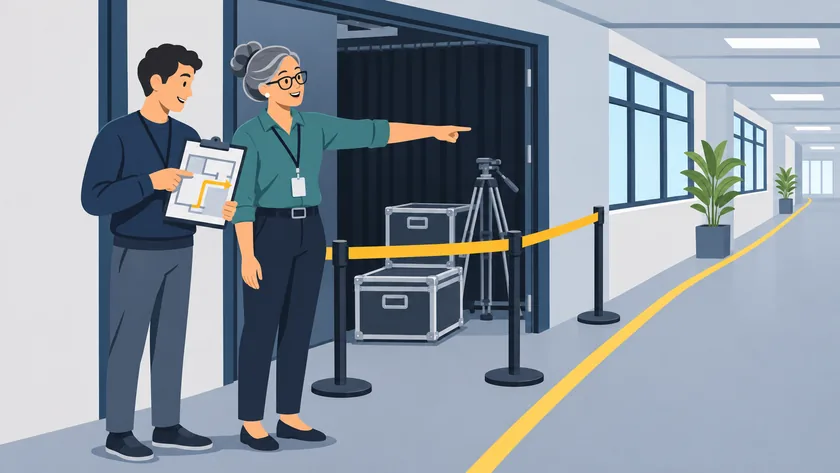
Confirm your supervisor, backup contact, assignment and limits. At a client, studio or host facility, ask who controls access and who can explain the local plan. A door code or visitor badge does not authorize equipment work. Stay at the approved check-in point until the permitted route and handoff are clear.
Know what this overview provides
This course introduces common information-sector hazards and questions to ask before work. It does not qualify you for electrical work, tower climbing, rigging, powered equipment, radiofrequency (RF) exposure assessment, confined-space entry, chemical response or rescue. It does not replace required employer, host-site or task-specific training. Your employer and the site operator must confirm the training, skills, instructions and permission for your actual assignment. Commercial printing and general computer consulting may belong to other sectors; choose training for the actual work as well as the industry label.
Explain the plan back
Ask the lead to show the route and limits from an approved area. Say what you will do, where you may go and when you will ask for help. If the explanation is unclear, ask again before that task. A production deadline or service outage does not replace instruction.
Source context: See the U.S. sources linked in the course resources